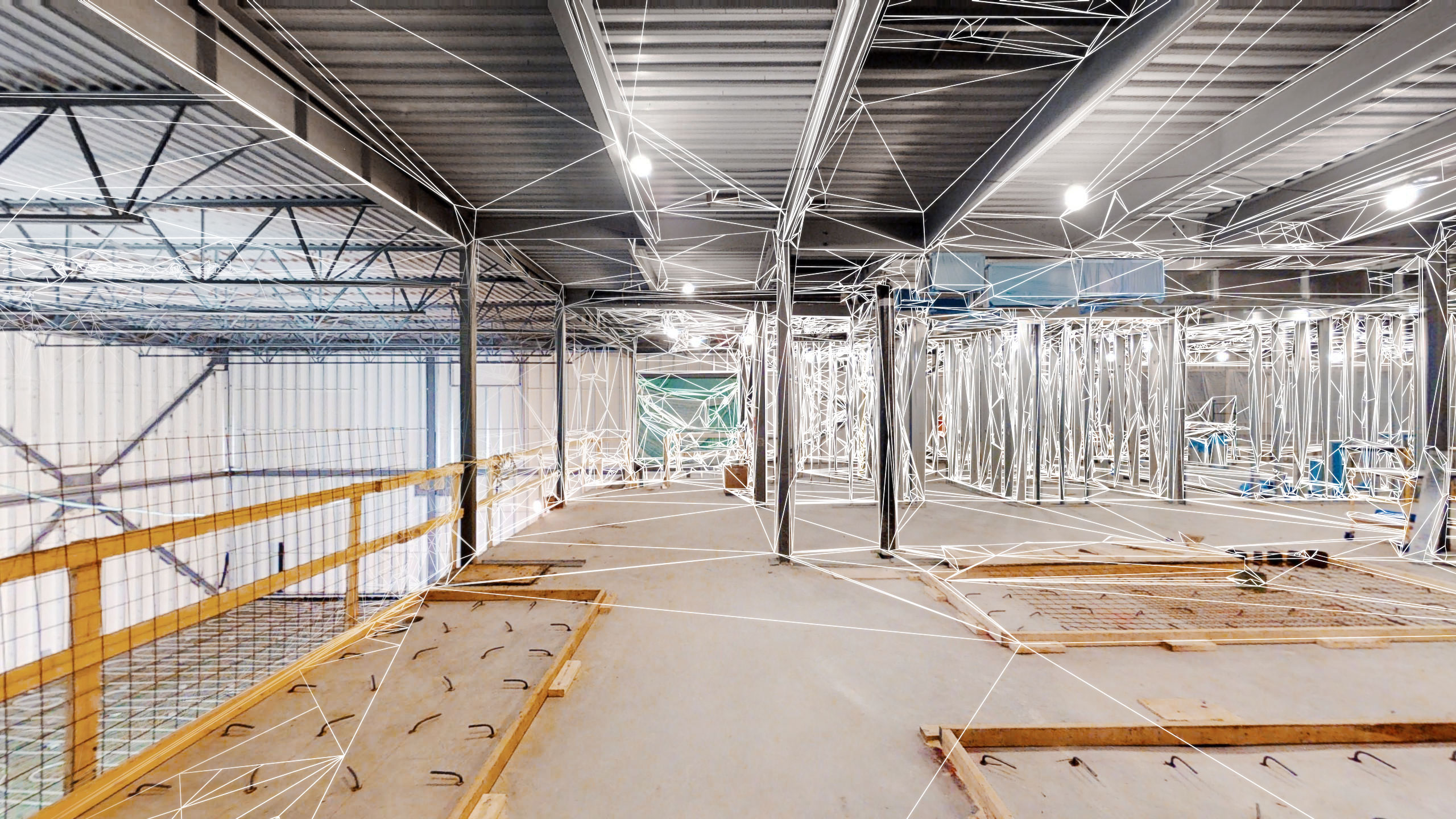
3D scanning
3D scanning for multiple sectors with different applications in high resolution.
3D scanning exports
Schematic Floor Plans
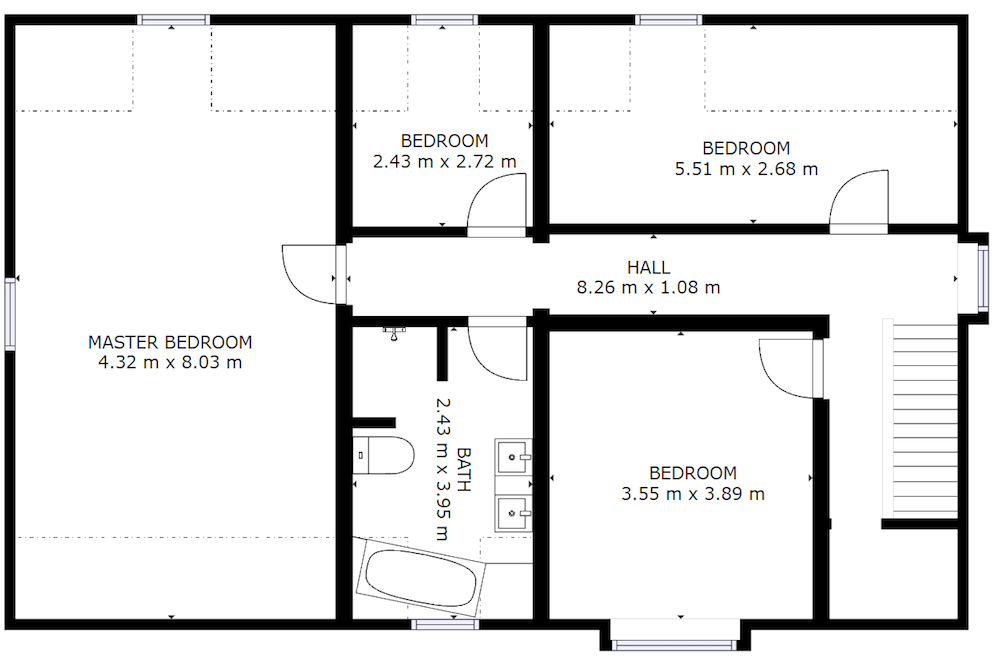
Schematic floor plans are an excellent way to view an entire space at a glance. They are ideal for people who prefer a more traditional, top-down view. Delivery within two business days.
OBJ File - Matterpak™ Bundle
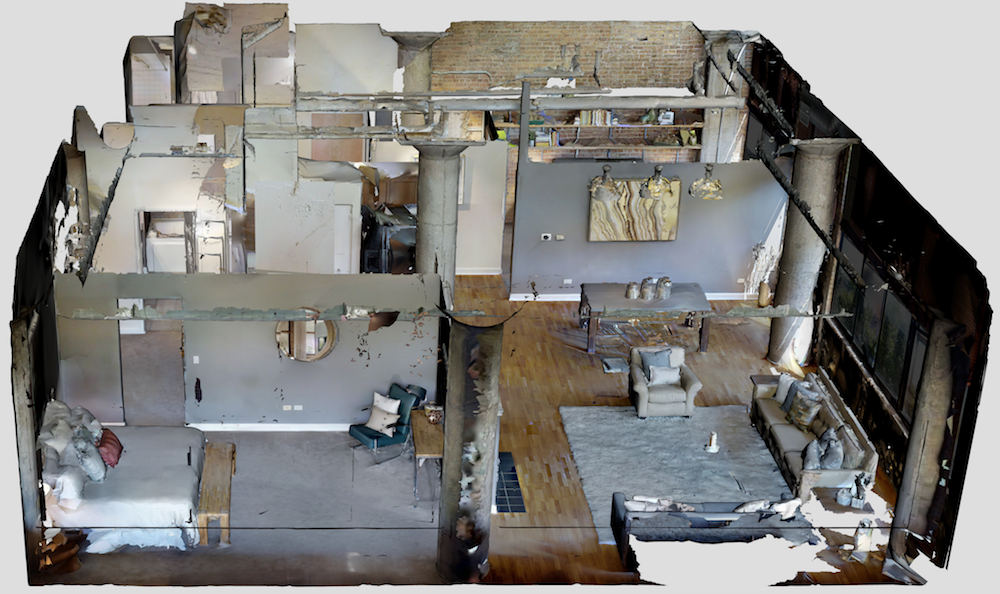
Matterport combines 3D depth data with 2D visual data to create a textured 3D mesh, which forms the OBJ file.
We use the OBJ file to create the Dollhouse view in 3D Showcase.
An OBJ file is not necessary for most users. 3D developers and VR enthusiasts can use the OBJ file to give their projects a flying start with a 3D model of a real location.
Our OBJ files have a scale of 1 unit = 1 meter. You may need to update the scale in your 3D software or rescale the model after loading.
Can be opened in programs like MeshLab and Maya. For help with importing, contact the support team of the specific 3D program.
Point Clouds - Matterpak™ Bundle
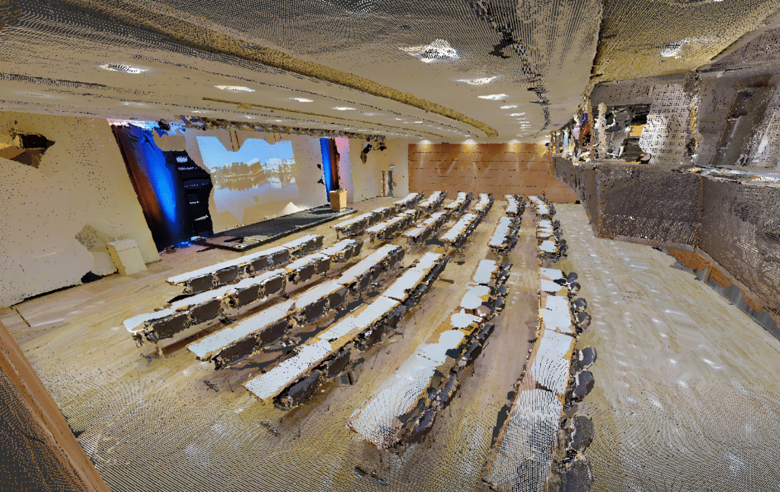
For clients in architecture, engineering, and construction. Fully automatic registration of the point cloud from all sweeps (scan positions).
Colored based on the 360º panoramic images and accurate to within 1% of reality.
Can be opened in Recap, Revit, or AutoCAD to get your as-built designs started right away.
For help with importing, contact the support team of the relevant 3D program.
High-resolution floor plans - Matterpak™ Bundle
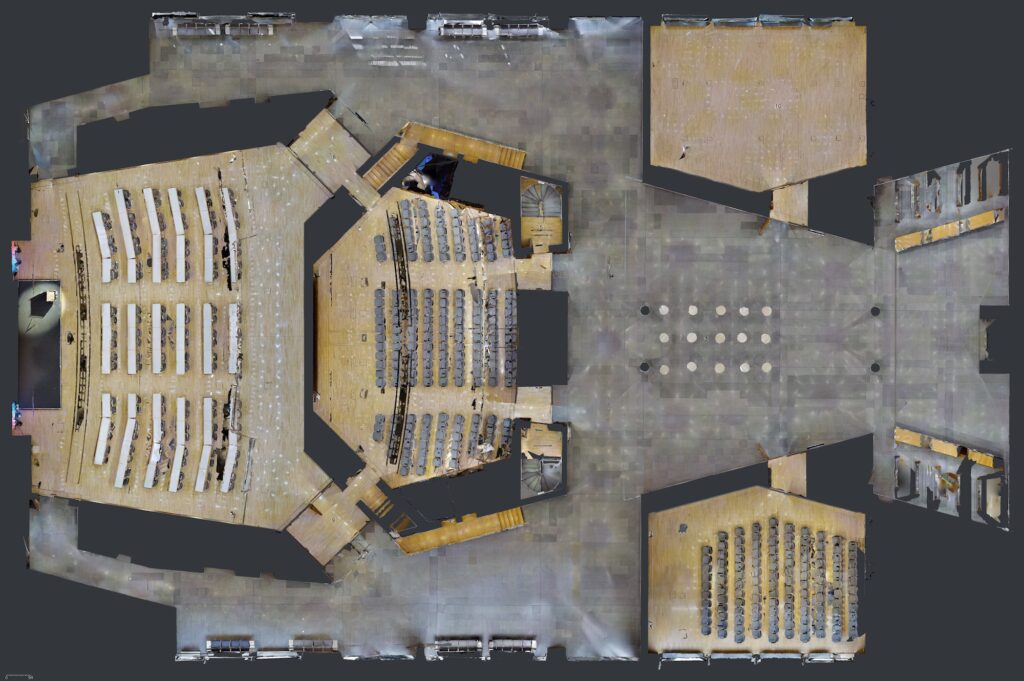
For clients in architecture, engineering, and construction. Quickly get a top-down view of the construction site and everything in it. To be used in AutoCAD as a trace element.
Can be opened in 3ds Max, Maya, or other 3D software. The floor plan is just a unique, orthogonal view of the 3D mesh.
Create your own views/sections of the 3D mesh by manipulating the OBJ file yourself.
For help with importing, contact the support team of the specific 3D program.
Inverted ceiling - Matterpak™ Bundle
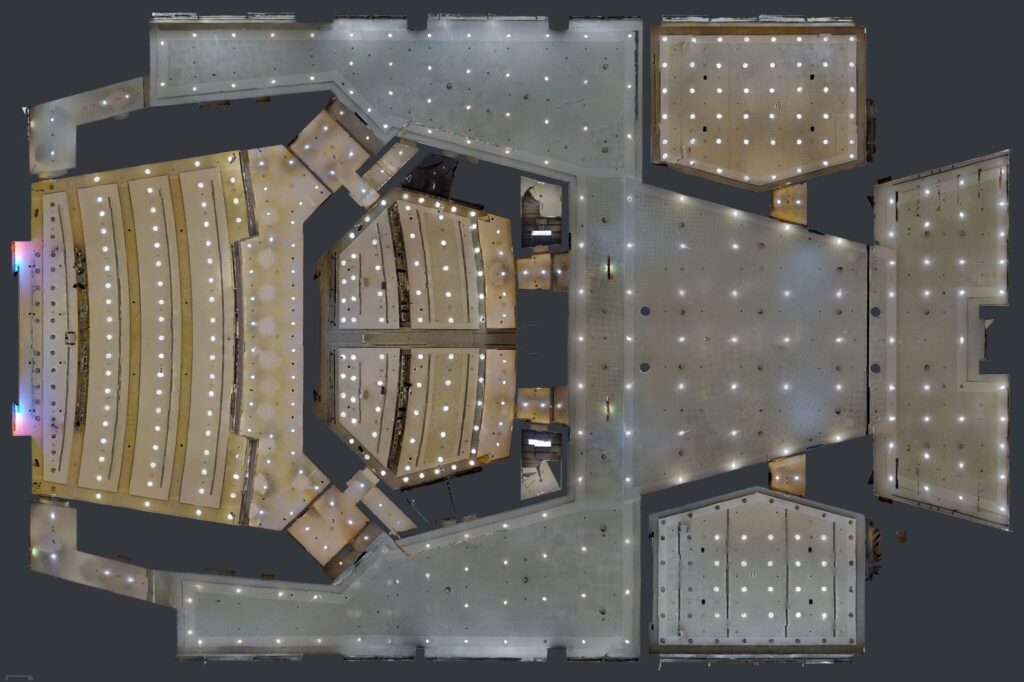
For clients in architecture, engineering, and construction.
Just like the high-resolution floor plans, but a quick vertical view of everything on the ceiling.
See ventilation ducts, wiring, plumbing, insulation, and more.
For help with importing, contact the support team of the specific 3D program.
Point Clouds - Matterport E57 File
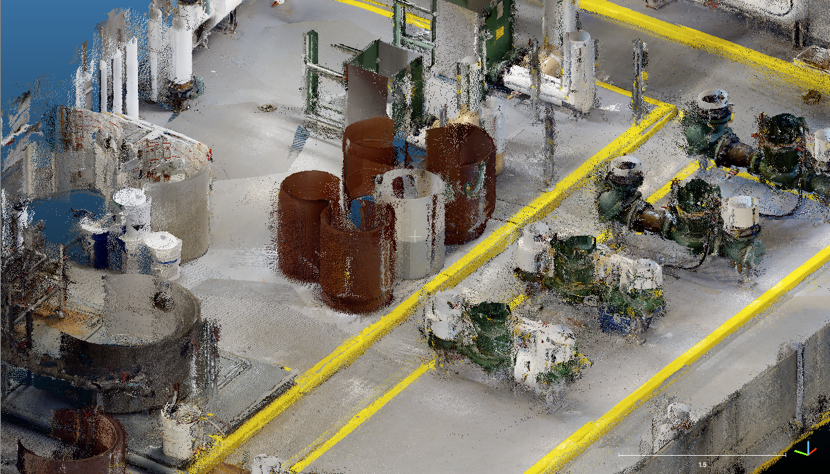
For clients in architecture, engineering, and construction.
High-density point cloud for all scan locations in the Matterport space. More than 10 times as much detail derived from a Matterpak™.
Vendor-independent point cloud format that is widely used by most 3D design applications.
Matterport CAD File
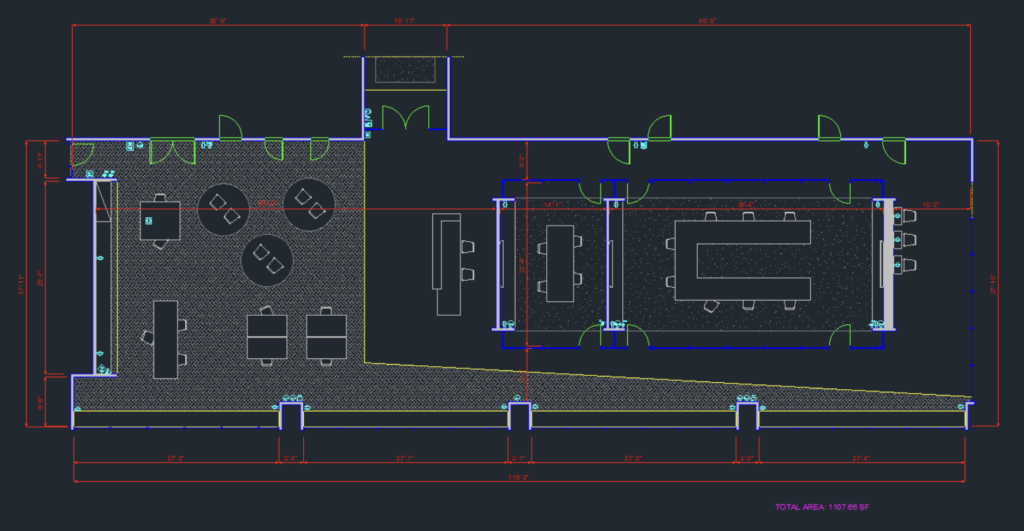
For clients in architecture, engineering, and construction.
All CAD files are delivered as AutoCAD 2020 .DWG format files. All room labels are in English.
The Matterport CAD file is drawn up according to ISO 13567, the international standard for layers in computer aided design (CAD).
You get the option for one or all of the following products
Architecture includes visible walls, floors, doors, columns, ceilings, windows, bathroom fixtures, stairs, roofs.
Interior furniture includes visible desks, tables, cabinets, shelves, chairs, seating, appliances, kitchen elements, and some wall fixtures.
Electrical elements including; power/data connections, lighting fixtures/switches, alarms, etc., based on the point cloud.
Architecture, interior furniture, & electrical elements including all of the above elements.
For more information about 3D Scanning, contact us!
3D Scanning
Who is the MatterPak™ Bundle intended for?
The MatterPak™ Bundle is intended for architects, engineers, and construction professionals who want to import these assets into third-party 3D programs (such as 3ds Max, ReCap, Revit, or AutoCAD), work on them further, and then offer them as part of a commercial package to their clients.
For example:
Architects and engineers can use the point cloud to quickly create an as-built model and give their designs a flying start.
Construction professionals can use the ceiling and floor plans for documentation/verification and building handover packages, or use the point cloud as part of the QA/QC process.
For help with importing, converting, or using the files within the third-party program, or to check if these are the right files for your use case, please contact the support team of the specific third-party 3D program.
For example, to use the MatterPak™ Bundle with AutoCAD, you must first use Autodesk Recap to convert the .XYZ file to an .RCS (single scan) or .RCP (project) file, which you can then import into AutoCAD.
The MatterPak is a high-quality export of what users see in Dollhouse mode. It is not a photorealistic 3D file, as that experience is provided by projecting panoramas.